
Tax receipts
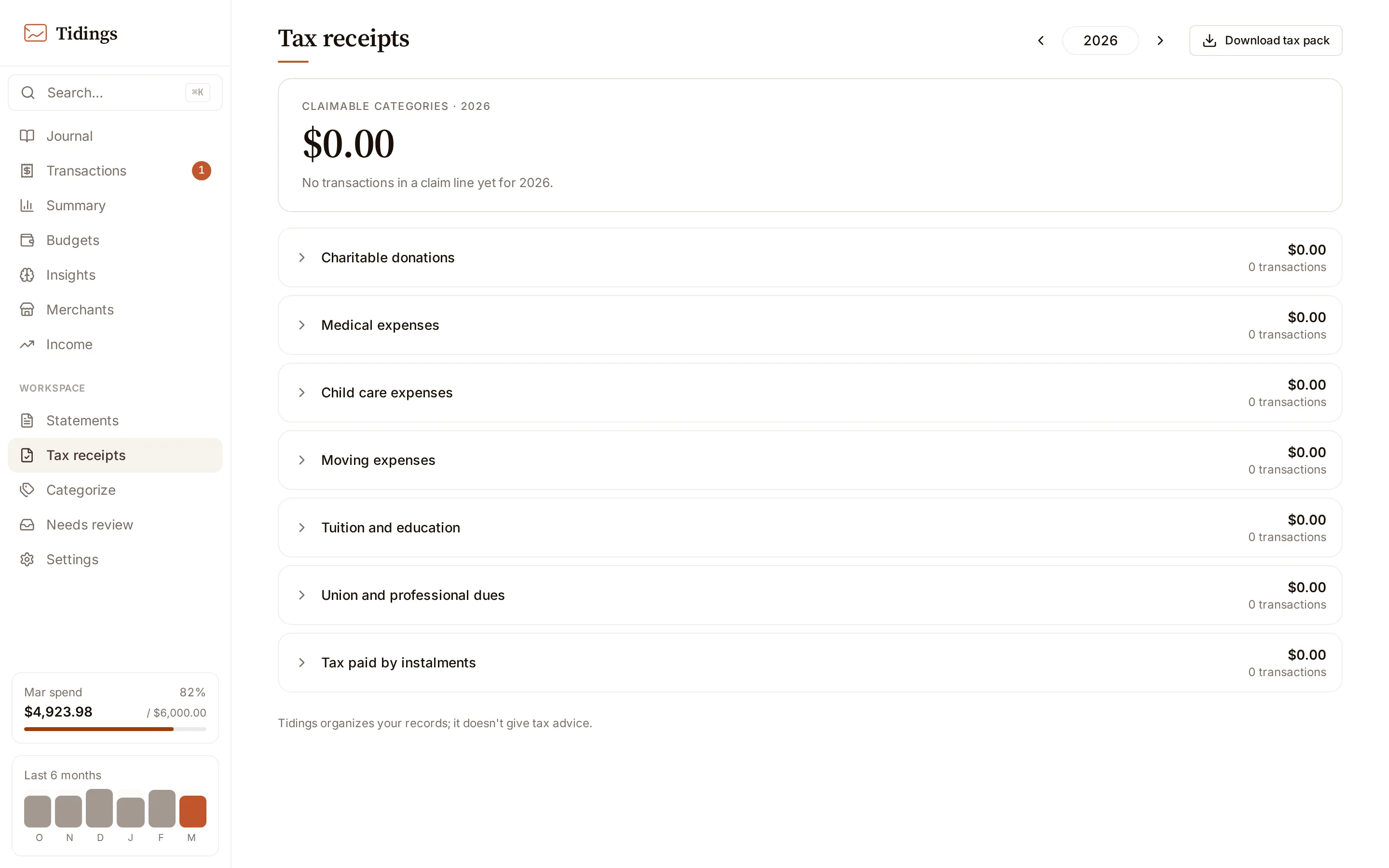
Tidings organizes your records; it doesn’t give tax advice. The Tax receipts page gathers a calendar year’s claimable spending into lines and keeps the evidence attached to each row, so that at filing time you hand your records — or your accountant — something already sorted. It does not compute deductions, estimate refunds, or decide what qualifies. That judgment stays with you.
Turning it on
Section titled “Turning it on”Tax receipts is off until you enable it under Settings → Features — see settings. Turning it on adds the page and a per-transaction flag control on the Transactions and Journal pages. Turning it off hides both, but keeps every flag you set; they return exactly as they were when you switch the feature back on. Nothing is deleted by the toggle.
How lines are filled
Section titled “How lines are filled”Each row lands in a line based on its category. The seed mapping is shaped around Canadian CRA lines — charitable donations, medical, child care, moving, tuition, union and professional dues, and tax paid by instalments — and a personal copy overrides the seed when you want different category-to-line rules. Because membership is derived from category, most rows sort themselves; you adjust only the exceptions.
Adjusting individual rows
Section titled “Adjusting individual rows”Two per-transaction overrides handle the exceptions. An include forces a row into a line you choose, even when its category would not have placed it there; an include that maps to no seed line lands in a catch-all “Other claimable” line, which appears only when it holds something. An exclude takes a row the category placed and moves it to that line’s removed list, where it no longer counts toward the total. Overrides are per transaction, so one adjustment never reshuffles the rest.
Evidence on every row
Section titled “Evidence on every row”Each row carries its own proof of the spend, in one of three forms: a receipt you attached, the source bank email the transaction came from, or the statement it was imported from. A statement-imported row has no source email, since it never arrived as one — the statement itself lives on the Statements page.
Downloading the pack
Section titled “Downloading the pack”The download button streams the year as a single zip: a summary CSV rolling up each line, one CSV per line listing its rows, the receipt files themselves, and the email bodies for rows whose evidence is an email. It is a complete, offline copy of the year’s claimable records, assembled from your own machine. The export is disabled in the demo, which reads only sample data.