The journal
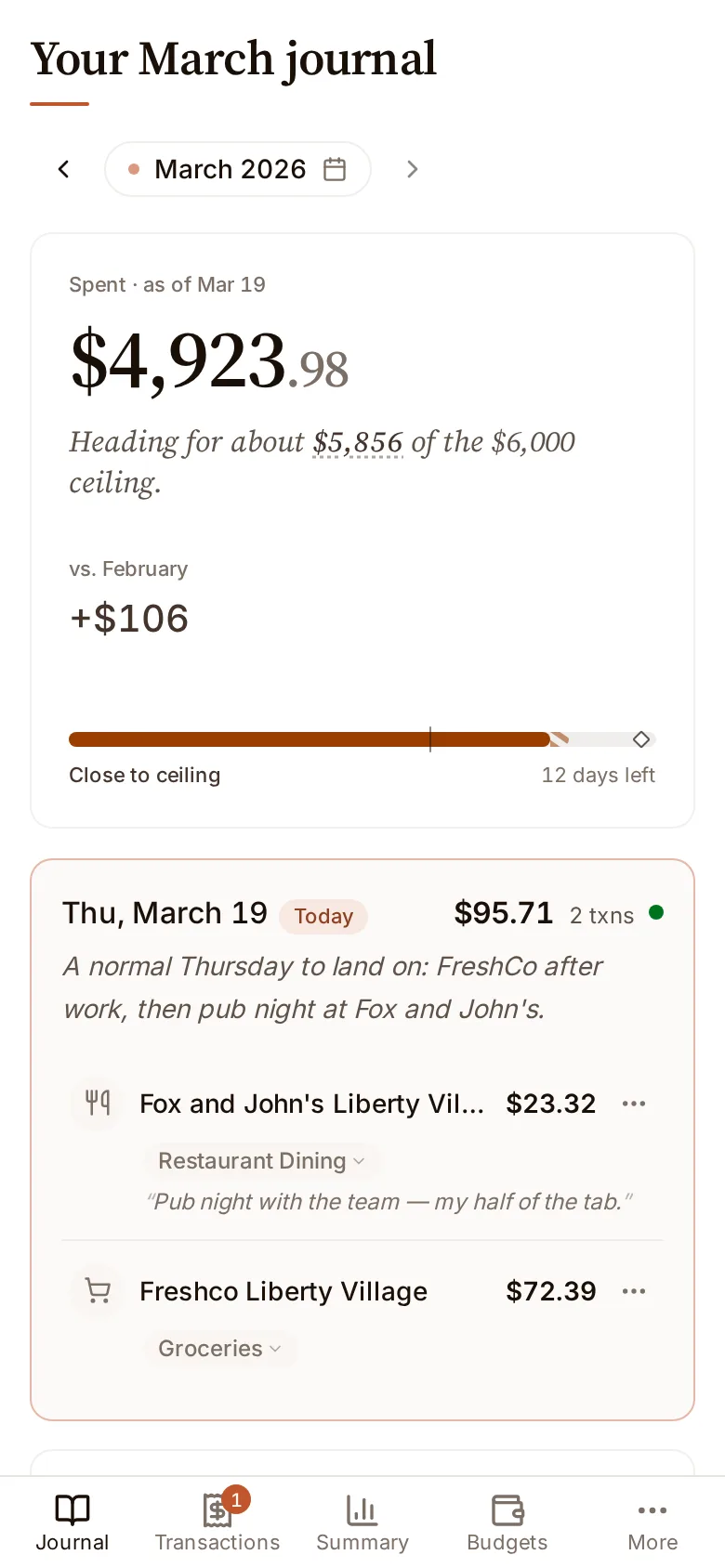
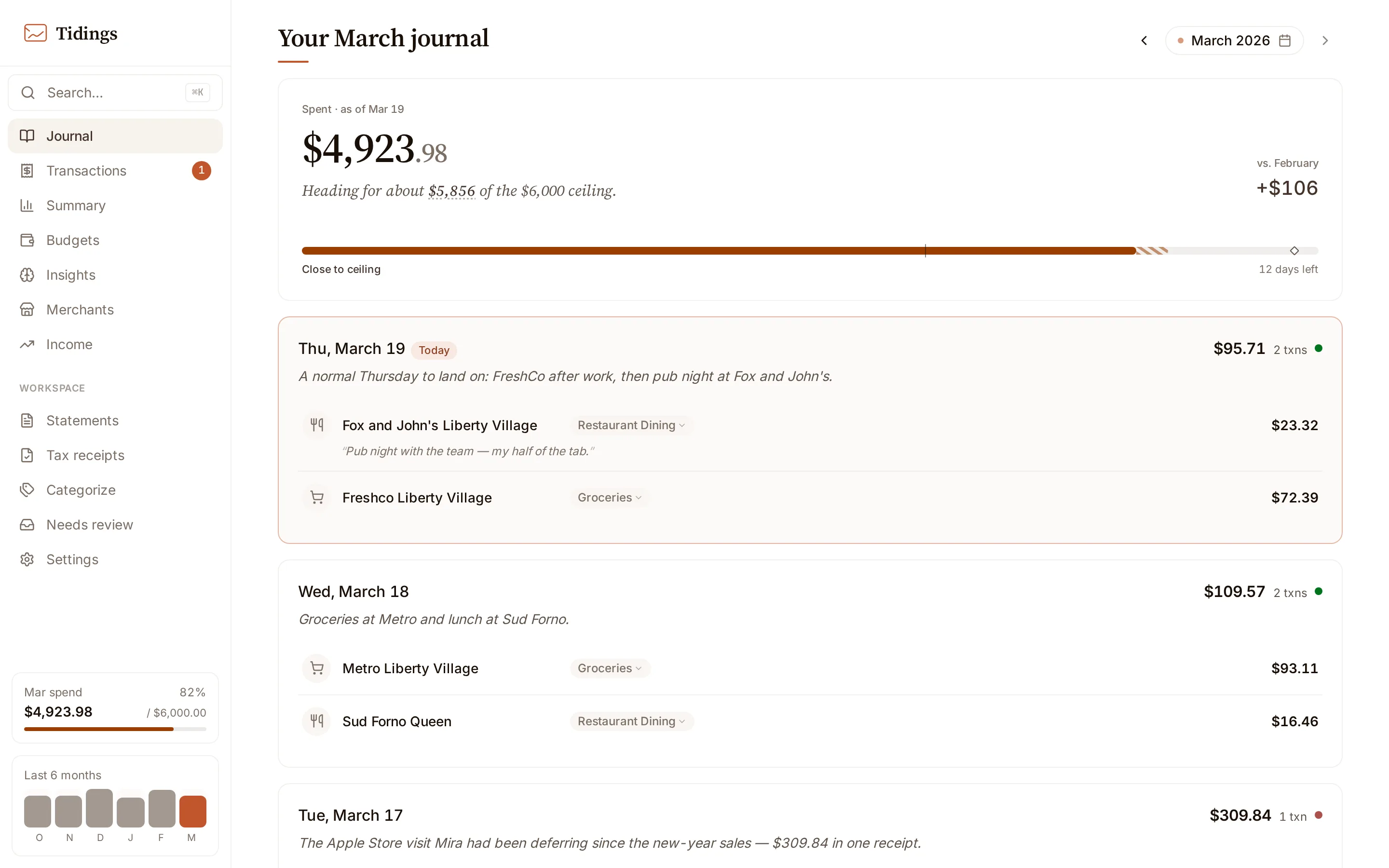
The journal is the default view: a single month read one day at a time, newest day first.
What the journal shows, and what it leaves out
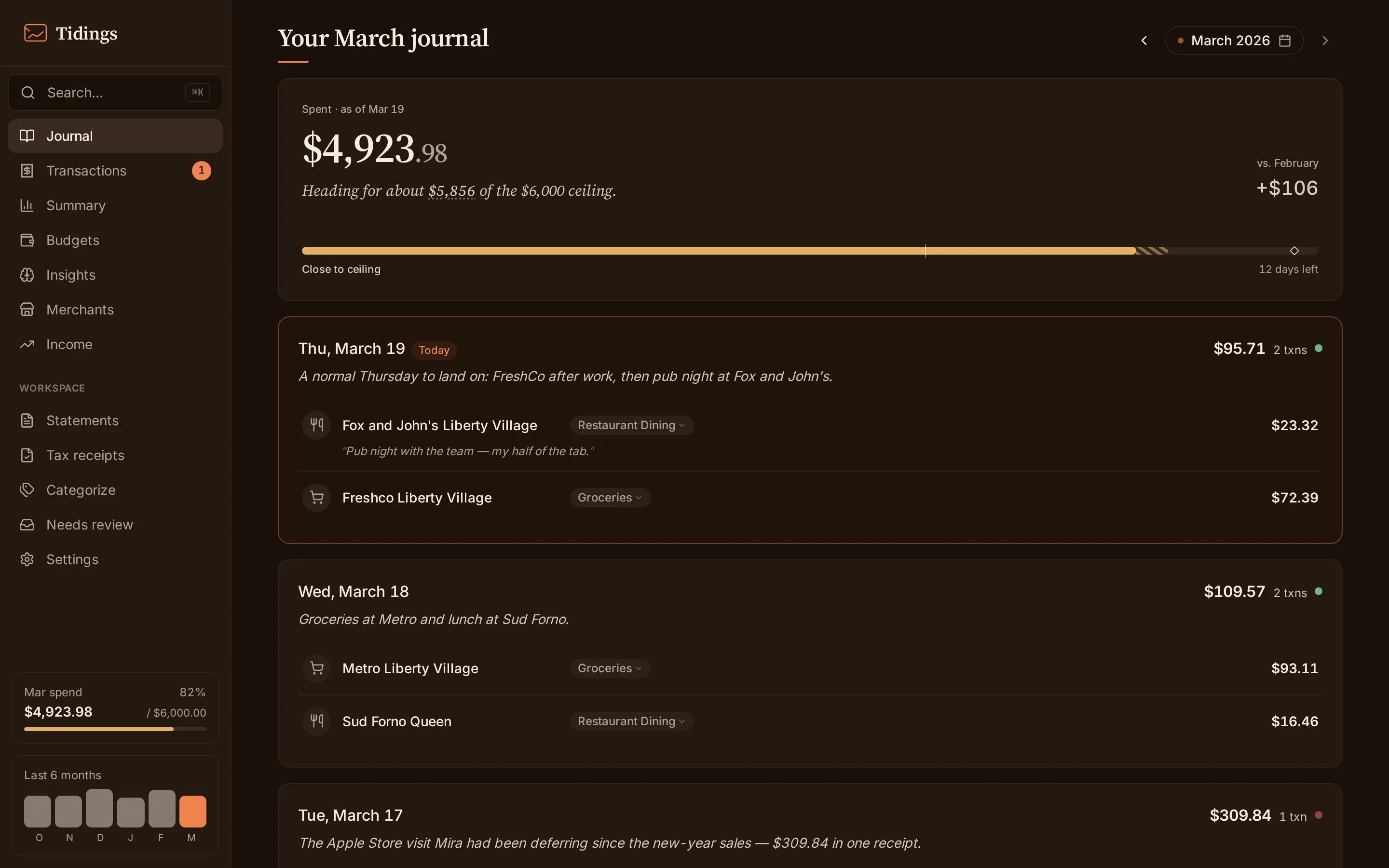
Section titled “What the journal shows, and what it leaves out”The journal shows only spending you can act on: transactions that are a spending type with an amount above zero, and that are neither deleted nor ignored. Refunds, deposits, and transfers are filtered out here and appear on Transactions instead.
Reading a month
Section titled “Reading a month”Each day carries its own total; the month accumulates as you scroll. The monthly ceiling shown at the top is your annual spending ceiling divided by twelve — it is derived from the annual target, not a separate monthly budget you set.
The month-over-month figure compares this month’s spending against the prior month up to the same day. Early in the month you are compared against the same early stretch of last month, not the whole of it, so the two are a fair match rather than a partial month against a full one.
Day summaries
Section titled “Day summaries”A day summary is a short piece of prose about that day’s spending, written by the AI provider you configure. You can generate one on request, or let Tidings write them on a daily schedule.
- Summarize month fills only the days that are still missing a summary, so it never overwrites what you have already generated.
- A per-day refresh regenerates that one day.
- Only one generation runs at a time; a second request while one is in flight is skipped rather than queued.
Each summary is saved as a plain text file under data/journal/<month>/, so the writing lives on disk alongside your data rather than in a database. Day summaries need a daily-summary provider set under Settings → Intelligence — see settings.
On a phone
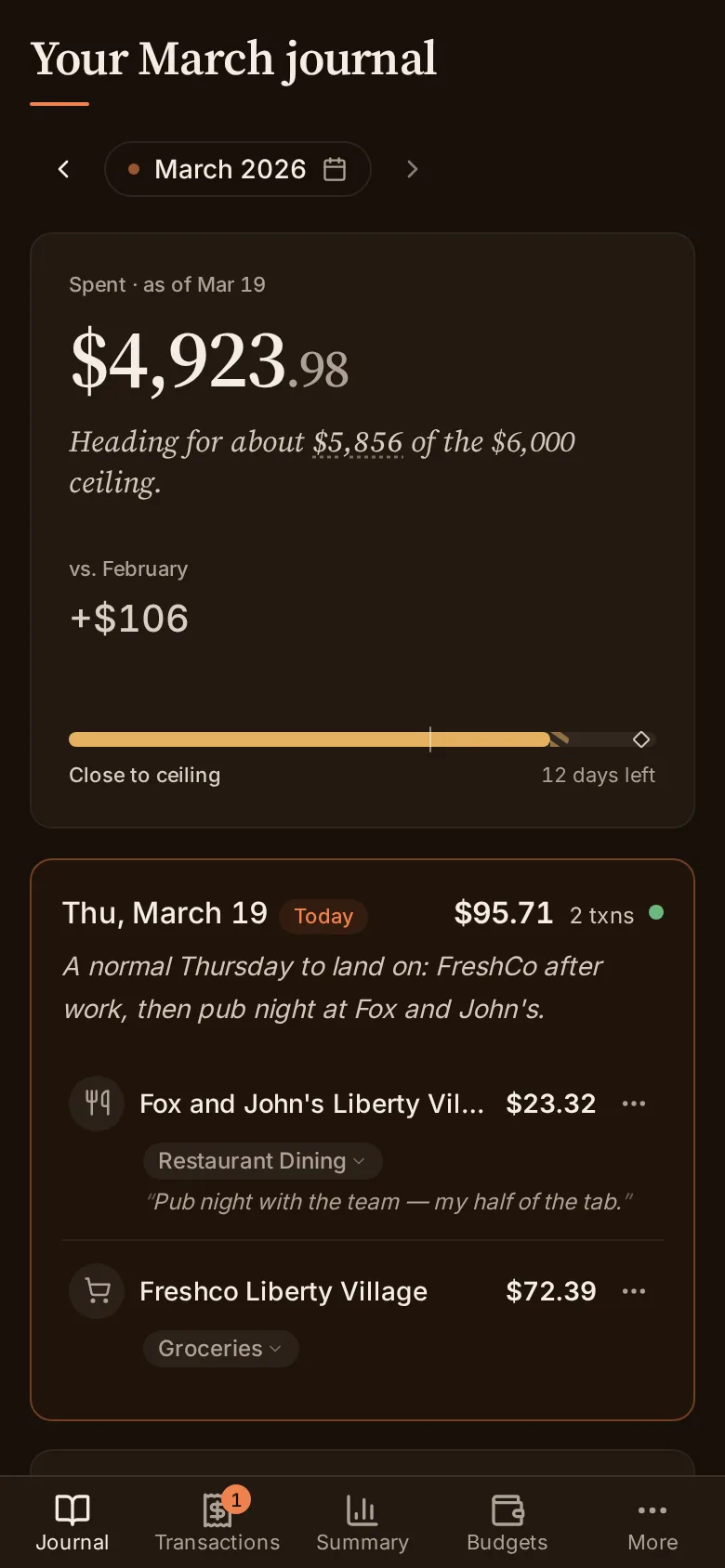
Section titled “On a phone”Below 768 pixels the journal switches to a single-column layout with a bottom navigation bar, keeping the same day-by-day read within reach of a thumb.